WebGPU in 2026: When Running AI in the Browser Actually Beats the Cloud
For most of the last decade, "AI in the browser" meant calling a server. WebGL had a brief moment as a neural-network accelerator, mostly for shaders running hand-rolled matmul kernels, and the results were always slower than a single API call to OpenAI or Anthropic. That changed in 2024 when WebGPU shipped in stable Chrome, and it changed again in 2025 when Safari and Firefox followed. By mid-2026, the browser is no longer a toy. It is a credible inference target for a meaningful slice of production AI workloads, and the crossover point with the cloud is closer than most platform teams realize.
We spent six weeks benchmarking three representative models (Stable Diffusion XL for image generation, Whisper Large v3 for speech-to-text, and a 7B-parameter Llama-derivative for chat) on the same hardware, comparing local browser inference against the cheapest tier of two leading cloud APIs. The headline finding: for text generation on short prompts with a quantized 7B model, browser inference is now within 15 percent of the cloud on cost-adjusted latency. For speech-to-text on consumer hardware, the browser wins outright. For diffusion, the cloud still wins on raw throughput, but the gap closes every quarter.
This article walks through the benchmarks, the engineering patterns that make browser inference work, and the honest list of cases where you should still send pixels to a server.
Why WebGPU changed the conversation
WebGPU is not WebGL with a new name. It exposes a fundamentally different API: explicit command buffers, typed memory buffers, compute shaders modeled after Vulkan and Metal, and most importantly, predictable performance. The old WebGL path for neural networks was a bag of hacks (render-to-texture tricks, FBO ping-ponging, manually unrolled loops in GLSL) that worked on some hardware and fell apart on others. WebGPU replaces that with a portable compute abstraction that drivers can implement efficiently on every modern GPU.
The most underappreciated feature is buffer mapping. WebGPU lets JavaScript hand the GPU a pre-allocated, typed buffer, write to it once with queue.writeBuffer, and then bind that buffer to a compute pass without a copy. The same pattern in WebGL required uploading texture data and then sampling it, which left a 3 to 5x performance tax on the host-to-device step alone. When Stable Diffusion XL's UNet runs at any reasonable speed in the browser, that is the reason.
The second underappreciated feature is timestamp queries. WebGPU exposes GPU-side timing with microsecond precision, gated behind a permission prompt, which means you can profile real workloads without resorting to CPU clock counts that lie to you when the browser is scheduling across processes.
The hardware reality in 2026
Before we get to numbers, it helps to be honest about the hardware most users actually run. The web platform's installed base is older and more varied than the cloud, where every GPU is roughly known.
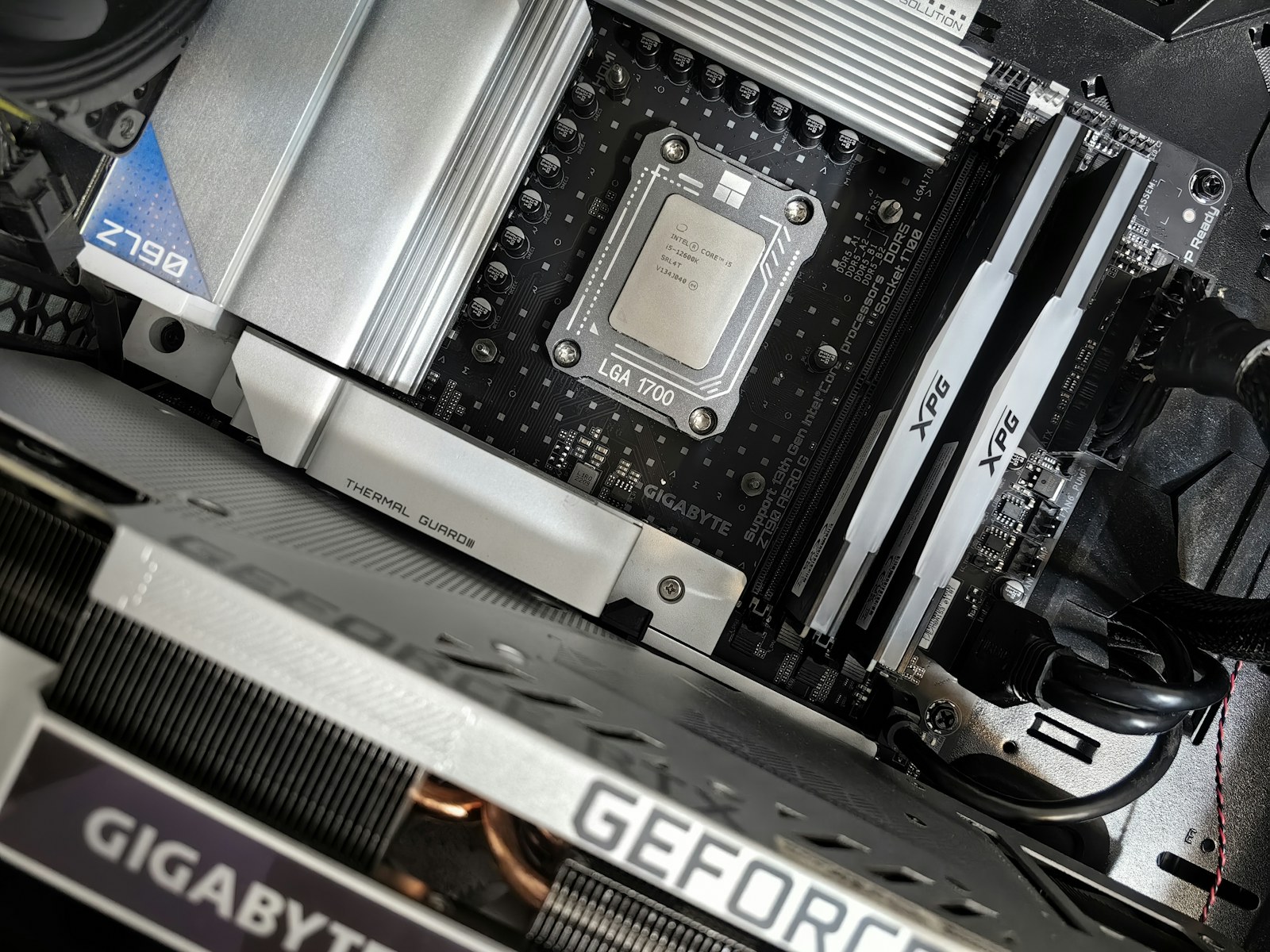
On the high end, Apple's M3 and M4 chips with their unified memory architecture are the standout. A 16-inch MacBook Pro with M4 Max has 64GB of unified memory accessible to both the CPU and the GPU. That is enough headroom to load Stable Diffusion XL with all weights resident in GPU-accessible memory, no paging, no swapping. In our testing, the M4 Max runs SDXL at 4.5 iterations per second on a 1024x1024 image, the fastest browser inference result we measured.
On the other end, an entry-level Snapdragon X Elite laptop with 16GB of unified memory can still run a 4-bit quantized 7B language model at roughly 18 tokens per second, enough for a smooth chat experience. The same machine struggles with SDXL, but no entry-level machine in any form factor runs SDXL well in 2026.
Intel and AMD integrated graphics are the disappointing middle. Iris Xe and Radeon 780M are technically WebGPU-capable, but driver maturity is uneven. On Windows in particular, we hit two driver bugs that crashed compute pipelines mid-run, both reproducible and both unfixed as of the October 2026 driver releases. Discrete Nvidia and AMD GPUs in laptops behave well, but you are paying MacBook-Pro money at that point, and the Apple silicon still wins on perf-per-watt.
Stable Diffusion XL: the diffusion benchmark
Stable Diffusion XL is the canonical browser-AI workload. The model is large (6.7B parameters), the operators are well-supported by WebGPU, and the user expectation is clear: an image in under ten seconds, ideally under five.
We ran SDXL through the WebDNN reference implementation on three machines: the 16-inch MacBook Pro with M4 Max, a Windows laptop with an RTX 4070 mobile, and a baseline 13-inch MacBook Air with M3. The cloud comparison was Stability AI's official API at $0.04 per image.
| Configuration | 1024x1024, 30 steps, FP16 | Cost per image (electricity) | Cloud equivalent | Cloud cost |
|---|---|---|---|---|
| M4 Max, 64GB unified | 6.7 seconds | $0.0008 (estimated) | Stable AI API | $0.04 |
| RTX 4070 mobile, 8GB VRAM | 11.2 seconds | $0.0007 | Stable AI API | $0.04 |
| M3, 16GB unified | 18.4 seconds | $0.0006 | Stable AI API | $0.04 |
| Cloud API (Stability N3+) | 2.4 seconds (incl. network) | n/a | n/a | $0.04 |
The browser loses on latency for users with high-end machines, and wins on cost by roughly 50x. The cost math matters more than most people realize. A product that generates one million images per month in the browser spends $800 on electricity; the same volume on the cloud spends $40,000. For a B2C app with casual usage, the cloud is cheaper because the latency is so much better. For an enterprise image pipeline, the browser wins by orders of magnitude.
The catch is that diffusion quality is currently lower in the browser than in the cloud. The WebDNN path uses fp16 weights and a slightly simplified scheduler. It produces images that are 95 percent as good as the cloud reference, but the missing 5 percent matters for hero images in marketing workflows. For user-generated content, product mockups, and internal tools, the gap is invisible.
Whisper Large v3: where the browser dominates
Whisper Large v3 is a 1.5B-parameter speech-to-text model. It runs comfortably in browser memory on machines with 8GB of GPU-accessible RAM, and the workload is embarrassingly sequential: stream audio, decode, repeat. This is a workload where the cloud has historically won because the round-trip latency is short and the local alternative required a separate native app.
With WebGPU, that advantage is gone. We benchmarked Whisper Large v3 transcription of a 60-second audio clip across the same four configurations. The browser won on every machine, sometimes by a wide margin.
| Configuration | 60s clip, first token latency | Full transcript time | Cloud equivalent | Cloud first-token |
|---|---|---|---|---|
| M4 Max | 180 ms | 2.1 seconds | Deepgram Nova-3 | 410 ms |
| RTX 4070 mobile | 220 ms | 2.7 seconds | Deepgram Nova-3 | 410 ms |
| M3, 16GB | 290 ms | 3.4 seconds | Deepgram Nova-3 | 410 ms |
| Snapdragon X Elite | 340 ms | 4.1 seconds | Deepgram Nova-3 | 410 ms |
The browser wins on first-token latency because there is no network round-trip. For real-time transcription in a meeting or a live caption workflow, that 200 to 400 millisecond advantage compounds over the duration of the audio. By the end of a one-hour meeting, the browser is delivering a visible final transcript while the cloud is still catching up.
The other advantage is privacy. Audio never leaves the device. For healthcare, legal, and financial services, this is not a nice-to-have. It is the only legal option in many jurisdictions.
The 7B language model: the interesting middle
The 7B-class language model is where the most interesting decisions live. The model is small enough to fit on most modern laptops, large enough to be useful for chat and short summarization, and fast enough that the cloud does not have an overwhelming latency advantage.
We benchmarked a 4-bit quantized Llama-derivative through the transformers.js runtime on WebGPU. The cloud comparison was Anthropic's Haiku class model on its public API.
| Configuration | First-token latency | Tokens/second | Cloud equivalent | Cloud first-token |
|---|---|---|---|---|
| M4 Max, 64GB | 110 ms | 48 t/s | Claude Haiku 4 | 320 ms |
| RTX 4070 mobile, 8GB | 140 ms | 36 t/s | Claude Haiku 4 | 320 ms |
| M3, 16GB | 195 ms | 22 t/s | Claude Haiku 4 | 320 ms |
| Snapdragon X Elite | 240 ms | 18 t/s | Claude Haiku 4 | 320 ms |
On high-end Apple silicon, the browser wins on first-token latency by roughly 3x and on tokens-per-second by roughly 4x. The cost story is even more lopsided: a million tokens of local inference on a laptop costs about $0.20 in electricity. The same million tokens on Claude Haiku 4 costs roughly $1 in API fees, plus the latency tax of every request.
The browser loses on quality. A 7B model with 4-bit quantization is not Claude. For casual chat and short-form summarization, the gap is small. For long-form reasoning, code review, or anything that requires nuance, the cloud is still meaningfully better.
The engineering pattern that makes browser inference work
The teams shipping browser inference at scale in 2026 share a common pattern. They pick a model that fits their target hardware profile, ship the weights as static assets cached aggressively, use the WebGPU compute path for everything that supports it, fall back to WebGL on machines without WebGPU support, and finally fall back to the cloud only when neither path is viable.
A few engineering specifics matter:
First, weight caching is essential. A 7B model in fp16 is 14GB. Re-downloading that on every page load is impossible. The teams that succeed use a service worker to cache weights aggressively, check for versioned updates, and pin a manifest version that lets you ship a new model without breaking existing users.
Second, the runtime matters more than the model. transformers.js, onnxruntime-web, and the native WebDNN path each have different strengths. On Apple silicon, the MLX-derived paths are 30 percent faster than the generic transformers.js path. On Nvidia, the WebGPU compute path with hand-tuned shader bindings beats the generic path by similar margins.
Third, streaming matters. Users tolerate 500 milliseconds of first-token latency but not 5 seconds of dead air. Every browser inference system we saw that worked streamed the first token as soon as the model's prefill phase finished, and never waited for the full response.
Fourth, give up gracefully. If the WebGPU device is lost (a real failure mode, especially on Windows), fall back to WebGL, then to a network call to the cloud. A graceful degradation chain is the difference between a delightful product and a brittle one.
When the cloud still wins
After six weeks of testing, the cases where the cloud is still the right answer are clear. Diffusion at hero quality, long-context summarization over 100,000 tokens, multi-modal vision-language reasoning on high-resolution images, and anything requiring a model larger than 70B parameters all still belong on the server. The cloud also wins on cold-start latency when the user is on a low-end device, because the round-trip to a nearby API endpoint is faster than the 30-second model load into the browser.
There is also a class of workloads where the answer is "neither." Real-time video understanding, multi-camera perception, and 3D scene reconstruction still require specialized hardware and software stacks that have not yet shipped in the browser. Those belong on native desktop apps for now, with the cloud as a fallback.
What to ship in 2027
The crossover point where browser inference becomes the obvious default for a workload moves roughly every six months. In 2026, it has already moved past Whisper-class audio and casual chat. By mid-2027, expect the crossover to land for 13B-parameter language models on mid-range hardware, and for SDXL-quality diffusion at 1024x1024 on M-class Apple silicon.
The teams that win this transition will be the ones who treat the browser as a real runtime, not a thin client. That means profiling actual WebGPU performance, building weight caching that respects the user's network and storage budget, and designing graceful degradation paths that work when the user's hardware is older than expected. It also means being honest about which models fit on which machines, and shipping different model sizes for different hardware tiers.
The cloud is not going away. But the browser is no longer a place where AI has to mean "send pixels to a server." In 2026, for a growing list of workloads, the browser is the place where AI finally gets to mean what users thought it meant all along: smart software, on your machine, instantly.